
Cotton Candy Vending Machine
01. Arrival Set Up
02. Connect To Wi-Fi
03. Set Up Account & Activate
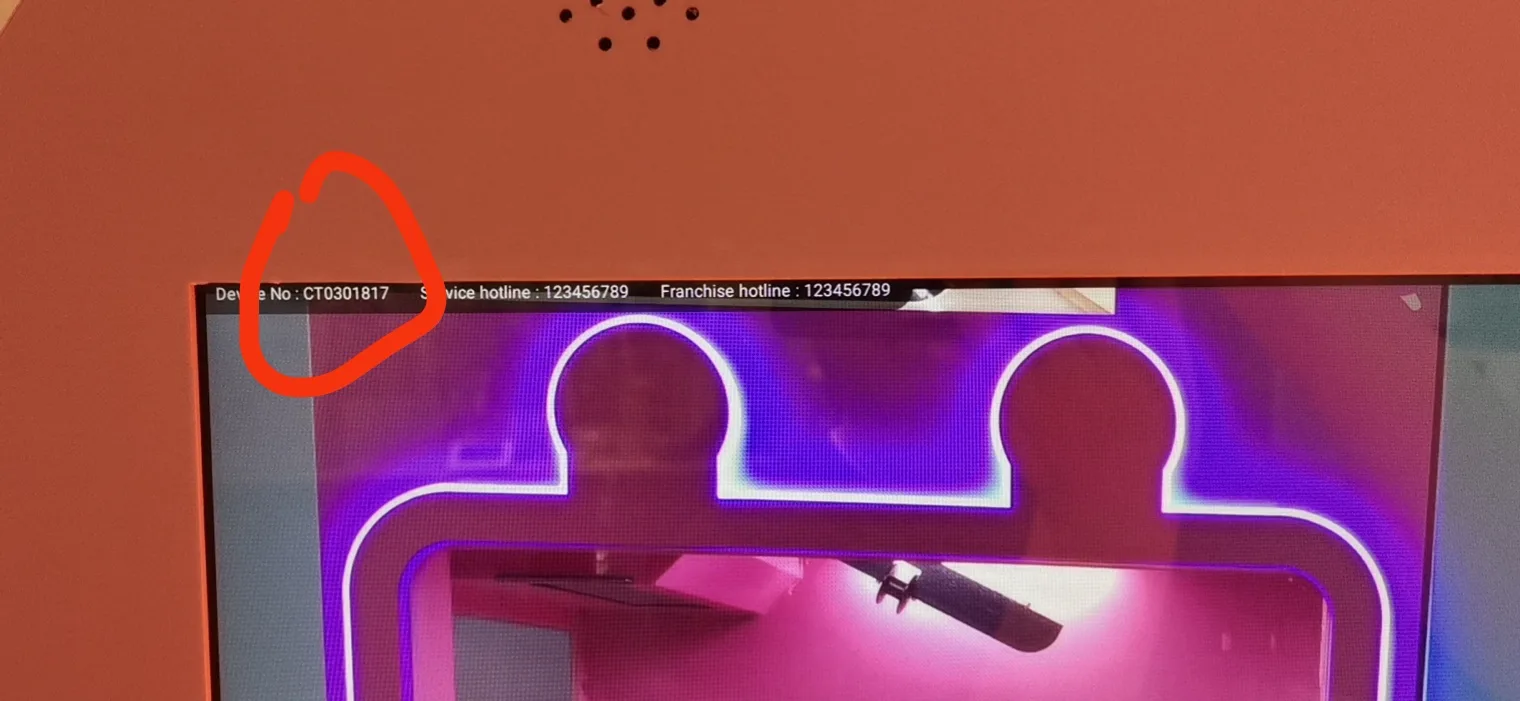
After connecting to WiFi and accessing the machine’s user interface, locate the Device Number displayed in the upper left corner of the screen. Please send this Device Number along with your phone number to our support team for activation.
Once activated, you will receive your account credentials, including a username and password, to log in to the software platform.
04. Refill Suagr & Sticks
Synchronize machine system inventory after adding materials,The initial password is 123456:
05. Well Done! Start To Make The First Cotton Candy
More Videos…
During the Cotton Candy Making Process
Downloads Available…
01. Mobile App Set Up & Management.pdf
02. PC Website Managment System.pdf